Another cold spell hit Central Illinois this morning.


Ramblings of a geek with a few hobbies…
Another cold spell hit Central Illinois this morning.


The big change in this release was the conversion over to a tag-based system for Categories (both Recipe Categories and Ingredient Categories). So now instead of going to a separate tab and drag-dropping a recipe into categories, you just type the categries in as a comma-separated list. For example: “eric’s favorites, desserts, chocolate” will put that recipe into 3 categories that you can then search by.
The recipe slide show was also updated to make it more usable. The ingredients are now shown all of the time alongside the directions, with the applicable ingredients highlighted for the current step.
And as usual there were bug fixes and other small changes here and there.
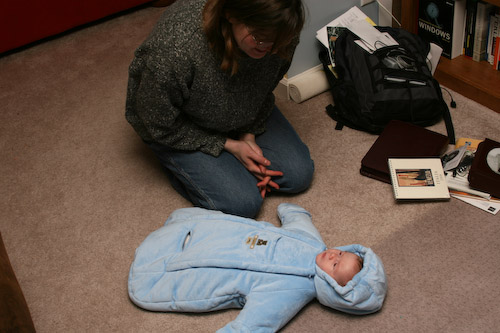
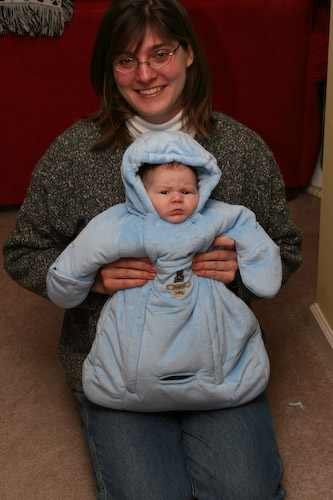
He has been starting to smile a lot more recently, although trying to catch it with a camera (still or video) seems to be about as elusive as the Loch Ness Monster. Anway, here’s a quick little clip followed by some hiccup action.

Or, maybe someone wants some more rest…

A few days ago Brian introduced me to a little piece of software called Launchy that has quickly displaced my Windows Vista Start Menu Search. It is much quicker than searching with the Vista start menu and has a lot more features.
It’s like a smart Run window (you know, the window that pops up when you click Start…Run in Windows), where you can do a bunch of different things with it depending on what plugins you have installed. For instance, if I want to quickly check the Weather:
Alt+Space (to bring up Launchy), type “weather <tab> 62712” to go to weather.com for the 62712 zip code.
Ever need to do some simple arithmetic, but are annoyed by having to open Calculator?
Alt+Space (to bring up Launchy), just type in the math you want to do and the calculator plugin will give you the answer.
It’s also great for opening programs, just start typing the application name. It’ll also learn what you launch most so it’ll take less and less typing as time goes on. It’s even pretty looking, and stays out of your way:

It’s Open Source and available free of charge, check it out! It was designed for XP and makes no mention on the website about Vista, but works as designed.
I get spam. And quite a bit of it. The count so far today, for instance, is 583. So I’m on par for getting over 1000 of them today, as is typical. Filters typically take care of 98% or so, so I only end up seeing 10-20 per day.
A note to spammers: lately you have been calling me Scott. My name isn’t Scott, so please go back to using my real name – Eric. When I see “Scott,….” in the subject of one of your spam mails, it makes me about 10x more mad than if you would put “Eric,…”. Maybe if I weren’t 10 times as mad at you I would consider your “Software At Low Pr1ce”!
Is there a form I need to fill out to legally change my spam-recipient-name ?
Since Ana’s getting that spleen scan done this morning, I have my little help at work today…

Along with my recent job change, Ana gave notice to her current employer (Wells Fargo) and accepted a job offer at Memorial Medical Center where she’ll be doing some good ‘ol IT Project Management. She’s slated to start on February 18th. Congratulations Ana!
On a health note, we have gotten a second opinion on the treatment path for her ITP (because we found that she was not, in fact, cured). The new doctor’s treatment plan is much more aggressive and traditional in its approach – in line with everything we’ve read about ITP. The current plan is to very very slowly take her off of the prednisone while watching her platelet levels, and if they drop again they will remove her spleen. In preparation for this possibility, she is getting a Spleen and Liver scan done this morning at the hospital presumably to make sure her liver is in fine shape to take over for a non-existent spleen (yeah, apparently the liver will start to do the spleen’s job in its absence).
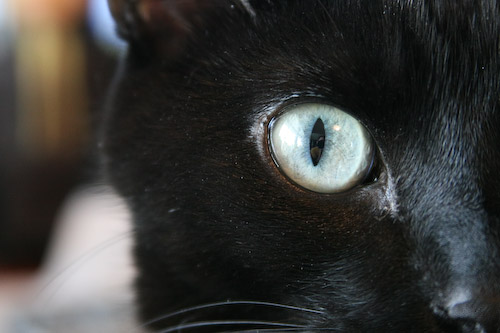
By voting for this picture of Neo, our cat. The voting is only open for a week, so get to it!